Trimble Connect overview
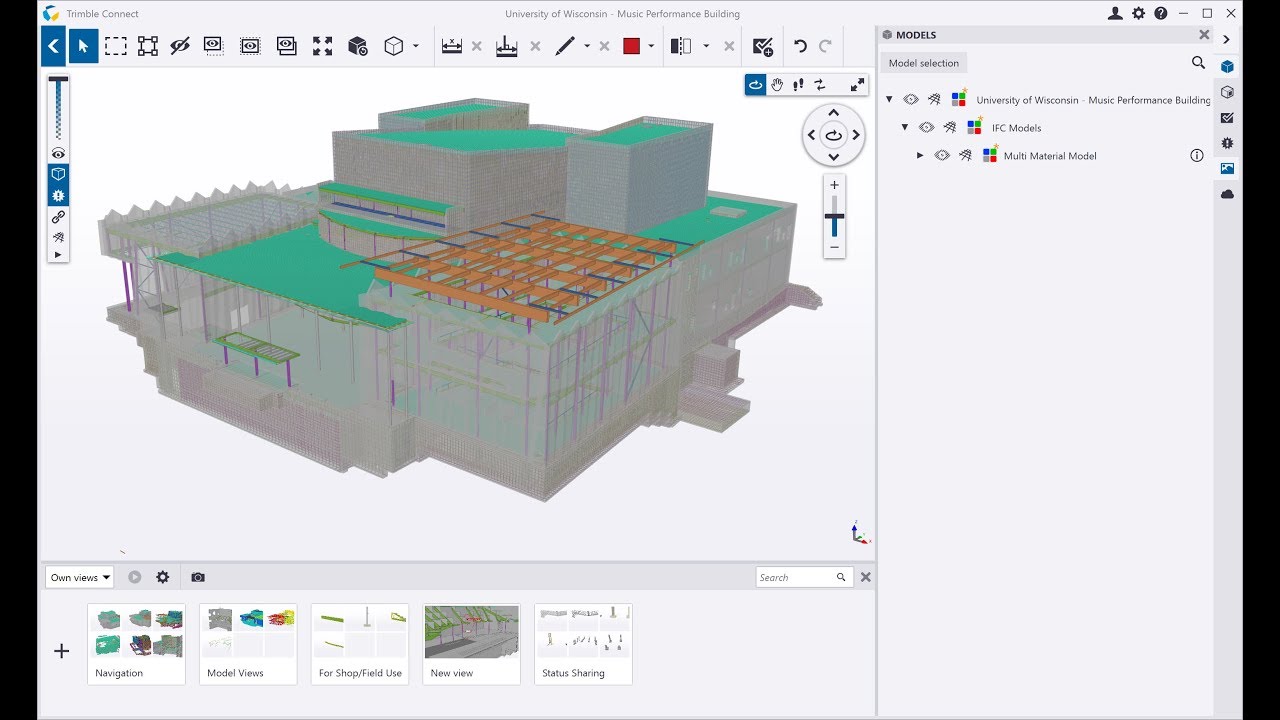
Check out this overview video to learn more about the features.

Visit the Tekla Downloads page and download Trimble Connect. The download starts automatically to the folder you selected on your PC.
Visit Tekla Downloads
You will find the Trimble Connect file in your selected folder. Please install and follow the installation process.

In case you already have Trimble Identity, you are now ready to start using your Trimble Connect. In case you still need to create your Trimble Identity, you can create it through the Register Trimble Identity link below.

Trimble Connect is a cloud-enabled software, so in order to provide you the best possible user experience, you need to register your Trimble Identity before starting to use the application. NOTE! Even after registration, you can still use Trimble Connect for Windows offline by simply choosing “Do not publish”.
Register Trimble Identity
Just sign in with your Trimble Identity credentials and create your first project. Your first cloud project is on us. You can test it by simply un-ticking the “Do not publish” button and syncing the project. Now you can access your models and other information from other Trimble Connect applications as well.
See Connect applications
Find tutorial videos, help documents and discussion forums in the Support Center.
Visit Support CenterCheck out this overview video to learn more about the features.


You can upgrade your Trimble Connect to Trimble Connect Business Premium including unlimited data storage and project and Trimble Connect extensions.